


WhatsApp click-to-chat link
Turn a phone number and a message into one link. Anyone who taps it starts a WhatsApp chat with you.
- Runs on your device
- No sign-up
- Works offline after a visit
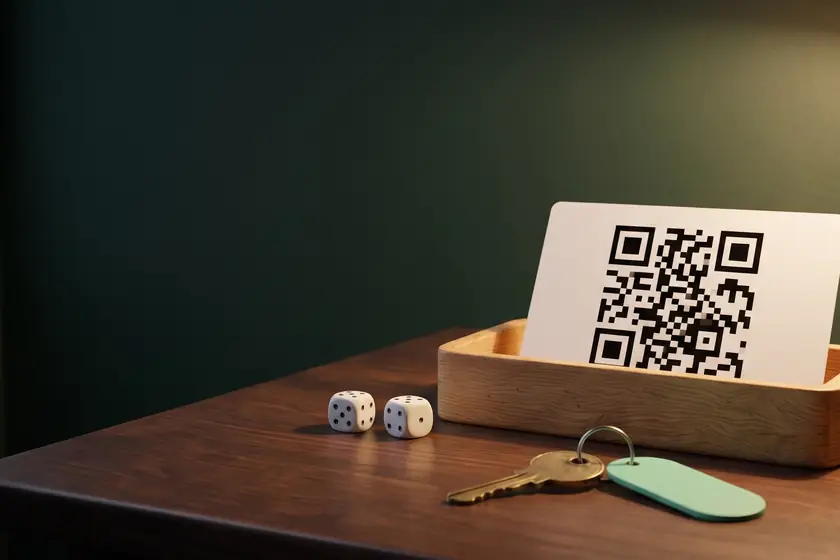
The link is built in your browser. Nothing you type is sent or stored.
Their chat opens with your message in the box. They tap send.
How to make a WhatsApp link
- Choose the country and type the phone number, with or without the leading 0.
- Add a message if you want one. It appears in the chat box, ready to send.
- Copy the link, download the QR code, or copy the button HTML for your site.
Questions
Does the person need to save my number first?
No. The link opens a chat with that number even when it is not in their contacts. They need WhatsApp installed on their phone.
Why does the number have no plus sign or leading zero?
WhatsApp wants the full international number: the country code, then the number, with no plus sign, spaces, dashes, brackets or trunk zero. The tool removes those. Italy keeps its leading 0, because Italian numbers include it.
Is the message sent automatically?
No. It appears in the message box of the chat, and the person taps send. WhatsApp documents the text in the link as a pre-filled message.
What if I leave the number out?
The link becomes wa.me/?text=, which WhatsApp documents as a share link. The person picks the contact, so it suits a message that anyone can send to whoever they choose.
Reviews
No reviews yet. Be the first.